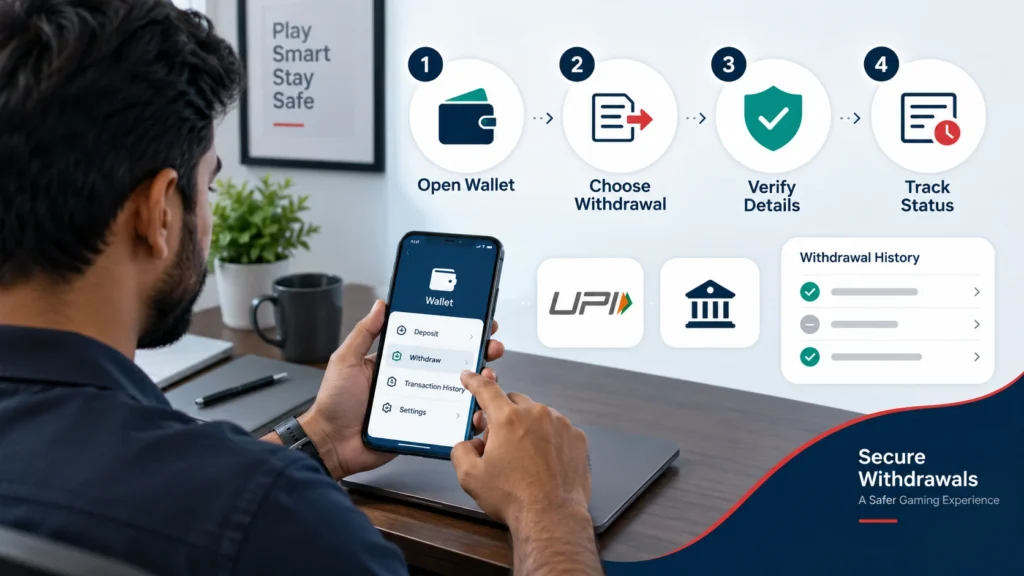
Khelo24Bet Withdrawal Processing Problem Today
If your Khelo24Bet withdrawal is still processing today, first check the transaction status in your account’s wallet or withdrawal history. A pending payout can result from KYC verification, incorrect or mismatched payment details, first-withdrawal checks, bank or UPI delays, platform maintenance, payment-provider issues, or a manual account review.
Do not submit repeated withdrawal requests, share OTPs or UPI PINs, or rely on unofficial social-media support accounts. Keep the withdrawal reference number and screenshots, wait for the platform’s stated processing window, then contact official customer care if that time has passed.
Table of Contents
| Withdrawal status | Meaning | Recommended action |
|---|---|---|
| Pending | The request has been received but may not yet be approved | Check KYC, payment details, and the published processing window |
| Processing | The payout is under review or being sent to the selected payment method | Wait, monitor transaction history, and avoid duplicate requests |
| Completed | The platform says it has released the payment | Check bank, UPI, or wallet transaction history |
| Rejected | The payout could not be approved or processed | Read the reason shown, correct the issue, then follow official guidance |
| Reversed | The request may have returned to the account balance | Check your wallet balance and withdrawal record |
For a full explanation of standard processing times and payment methods, see the Khelo24Bet Withdrawal Time.
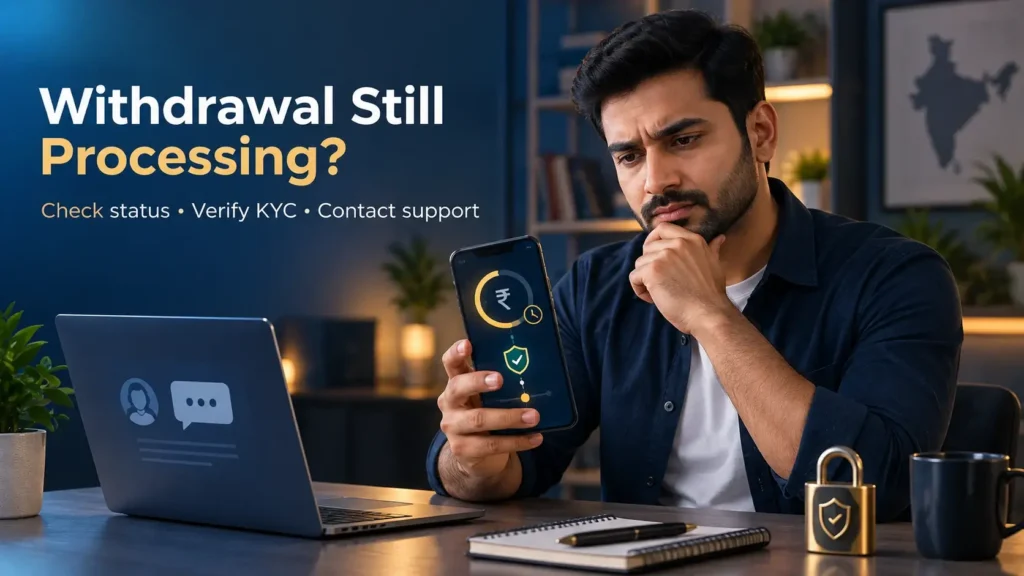
Why Is My Khelo24Bet Withdrawal Stuck?
A withdrawal marked as “pending” or “processing” is not automatically failed. The request may still be moving through account checks and payment processing. However, if it remains unchanged beyond the current stated timeframe, you should review the possible causes and prepare a complete support request.
KYC verification is incomplete
Many platforms require users to complete identity verification before a withdrawal can be approved. If your documents are pending, unclear, expired, or do not match the personal details on the account, a payout may be delayed.
Check whether your account requires:
- Identity-document verification
- Mobile-number verification
- Date-of-birth verification
- Address verification
- Payment-method ownership verification
- A selfie or additional security check, if requested through the official platform
Only upload documents through the official Khelo24Bet app or website. Do not send identity documents to an unverified Telegram, WhatsApp, Instagram, or Facebook account.
Payment method details are incorrect
A typo in a UPI ID, bank account number, IFSC code, or wallet account can cause a withdrawal to be rejected or placed under review. A mismatch between the name on your Khelo24Bet account and the receiving payment account may also trigger additional verification.
Before contacting support, check:
- The selected UPI ID is correct and active
- The bank account number is complete
- The IFSC code is correct
- The account holder’s name matches your verified profile where required
- The linked wallet account can receive payments
- You have not exceeded a bank, UPI, or wallet transaction limit
First-withdrawal account review
A first withdrawal may take longer than later requests because the platform could need to confirm your identity, payment-method ownership, or eligibility under its terms. This is especially relevant when an account has recently completed KYC, changed payment details, or used a promotion.
Check the official withdrawal page for the current first-payout policy.
Bank-side or UPI payment delay
A platform can mark a withdrawal as completed after releasing the funds, while your bank, UPI app, or payment provider takes additional time to show the credit. This can happen during maintenance, service disruptions, high transaction volume, or bank-side processing issues.
If the withdrawal shows as completed:
- Open your UPI app and review transaction history
- Check your bank statement, not only your available balance
- Look for an SMS, email, UTR, or transaction reference
- Wait for the payment network’s normal update period
- Contact your bank only after obtaining the payout reference from the platform, if available
Platform maintenance or heavy processing volume
Scheduled maintenance, system updates, unusually high withdrawal volume, or a security review can slow down processing. The official website or app may show a notification when there is a known service issue.
Do not assume that a YouTube video, social-media post, or comment thread confirms a platform-wide withdrawal problem. Check the transaction status in your own account and use the official support channel for confirmation.
Bonus, turnover, or withdrawal-limit conditions
A payout request may be restricted if the account has an active promotion, an unmet wagering condition, a minimum withdrawal requirement, or a daily transaction limit. These terms can differ by offer and may change over time.
Before escalating, review:
| Item to check | Current rule to verify before publishing |
|---|---|
| Minimum withdrawal amount | 100 |
| Maximum withdrawal per request | 50000 |
| Daily withdrawal limit | 500000 |
| Processing time | 5-10 Minutes |
| Bonus or turnover rule | Check Our Complete Bonus Policy & Process |
| Payment-method eligibility | GPay, PhonePay, Bank Transfer, Paytm, BharatPay, Amazon Pay, All Indian Payment Supported. |
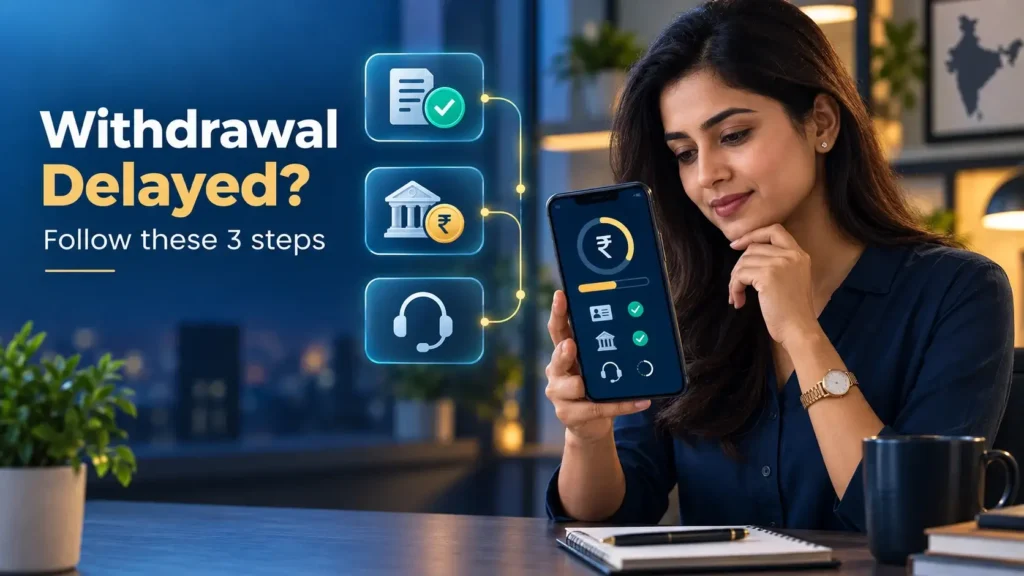
How To Check Your Withdrawal Status
Follow these steps to find the latest status of a pending or delayed withdrawal.
- Log in through the official app or website. Avoid links sent by unknown people through messages or social media.
- Open the wallet, cashier, or account section. The menu name may vary depending on the version of the platform.
- Select “Withdrawal History,” “Transactions,” or a similar option. Look for the request you submitted.
- Check the displayed status. Note whether it says pending, processing, completed, rejected, failed, or reversed.
- Record the transaction information. Save the amount, payment method, date and time, status, and withdrawal reference number.
- Review your KYC section. Confirm whether your account is verified or whether further documents are required.
- Check the receiving account. If the platform shows completed, review your linked UPI, bank account, or wallet transaction history.
- Compare the time elapsed with the official withdrawal policy. If the stated processing window has not passed, continue monitoring the transaction.
- Contact official support if needed. If the published timeline has passed or the status shows rejected without a clear reason, submit a support request with the transaction details.
When Should You Contact Customer Care?
Contact Khelo24Bet customer care when one of the following applies:
- The withdrawal is still pending after the official processing timeframe.
- The request has been rejected and the reason is unclear.
- The platform shows “completed,” but funds are missing from your UPI, bank, or wallet history after a reasonable payment-network update period.
- Your KYC verification has remained under review for an unusually long period.
- You cannot access the withdrawal history or account wallet.
- You suspect that payment details were changed without your permission.
- You received a suspicious message asking for an OTP, UPI PIN, password, or payment to release your withdrawal.
Use the official support options displayed inside the Khelo24Bet app or website. For related help topics, visit the Khelo24Bet Customer Care.
Information to include in a support request
A concise and complete request gives the support team what it needs to trace the transaction.
| Include | Do not include |
|---|---|
| Account ID or registered username | Password |
| Withdrawal reference or transaction ID | OTP |
| Request date and time | UPI PIN |
| Withdrawal amount | Card CVV |
| Selected payment method | Full card details |
| Screenshot of transaction status | Device remote-access code |
| Brief explanation of the issue | Any payment to an unofficial “agent” |
Support Request Template
Use the following template only through a verified customer-care channel:
Subject: Withdrawal still processing – Request for status update
Hello,
I submitted a withdrawal request on [date] at [time] for [amount] using [UPI / bank transfer / wallet].
My withdrawal reference number is [transaction ID]. The current status shown in my account is [pending / processing / completed / rejected].
My account KYC status is [verified / pending / under review].
Please check the status of this withdrawal and let me know whether any action or document is required from my side.
Thank you.
Attach a screenshot showing the status and reference number, but hide any unnecessary personal or financial information before sharing it.
Escalation Path for Delayed Withdrawals
If the standard customer-care route does not resolve the issue, follow the official escalation process in order. Do not jump to unofficial channels or pay third parties for “priority processing.”
- Use in-app live chat or help centre. Provide the withdrawal reference number and screenshots.
- Submit an official support ticket. Use the ticket form or support email published inside the official platform.
- Ask for a ticket or case number. Keep it with your original transaction ID and screenshots.
- Follow up through the same ticket. Clearly state the date of the original request and any previous response. Avoid opening multiple duplicate complaints.
- Check the platform’s official escalation policy. If one exists, use the designated escalation channel.
- Secure your account if fraud is suspected. Change your password through the official account page, log out of unfamiliar devices if the option is available, and immediately report unauthorized changes.
Safety warning
No genuine support representative should ask you to:
- Share an OTP, password, UPI PIN, or card CVV
- Install a screen-sharing or remote-control app
- Pay a “release fee,” “verification fee,” or “tax” to unlock your withdrawal
- Send money first in order to receive money later
- Move the conversation to an unverified personal WhatsApp, Telegram, or social-media account
If any of these happen, stop the conversation and contact official support through the app or website.
Khelo24Bet Withdrawal Problem FAQs
What is the withdrawal time on Khelo24Bet?
The exact withdrawal time depends on the currently available payment method, account verification, platform checks, and the receiving bank or payment provider. Check the official withdrawal screen or policy for the current processing period.
What is the Khelo24Bet app withdrawal time?
Using the app does not necessarily make a withdrawal faster than using the website. Both usually connect to the same account and payment-processing system, although the app may make it easier to view status updates and support options.
Is withdrawal time the same in Mumbai, Delhi, and other Indian cities?
Generally, yes. Withdrawal timing should not change simply because you are located in Mumbai, Delhi, Ahmedabad, Bengaluru, or another city. The key factors are payment method, KYC, account review, platform processing, and bank or UPI availability.
What does “withdrawal time” mean?
Withdrawal time is the total period from submitting a payout request until the funds appear in your selected UPI, bank, or wallet account. It may include platform review, payment processing, and receiving-bank updates.
Why is my Khelo24Bet withdrawal still processing today?
Your withdrawal may still be processing because of KYC review, payment-detail mismatch, first-withdrawal verification, bonus or limit conditions, bank or UPI delays, maintenance, or high transaction volume.
How do I check my withdrawal status?
Log in to the official platform, open the wallet or cashier section, and select withdrawal history or transaction history. Record the status, request time, payment method, amount, and transaction reference number.
How do I contact Khelo24Bet support about a delayed withdrawal?
Use only the customer-care contact displayed in the official app or website. Provide your account ID, withdrawal reference number, date and time, amount, payment method, status screenshot, and a short description of the issue. More guidance is available in the Khelo24Bet Customer Care.
A Khelo24Bet withdrawal processing problem today may be caused by a routine verification or payment delay, but users should carefully track the transaction and act only through official channels. Start by checking the withdrawal status, KYC status, and receiving payment account. Keep the transaction reference and screenshots, then contact customer care if the published processing window has passed.
Never share banking security credentials or pay an unofficial person to “unlock” a pending withdrawal.

Krishna Kapoor is a gaming industry expert with experience researching and writing about online gaming platforms, sports betting, casino games, responsible gaming, and digital gaming trends. Krishna focuses on creating clear, informative, and easy-to-understand content that helps readers better understand gaming platforms, features, promotions, safety practices, and responsible gaming. His work combines industry research with practical insights to provide useful and trustworthy information for online gaming audiences.