
Khelo24Bet Registration Guide: How to Create Your Account
Creating a Khelo24Bet account takes only a few minutes across desktop or mobile, requiring basic contact details and a quick OTP verification to safely activate your profile.
Table of Contents
What You Need Before You Start
Before opening the registration form, ensure you meet the basic eligibility criteria to avoid account blocks later on.
- Age Requirement: You must be at least 18 years old to create and use an account. This is strictly enforced. For full eligibility and compliance rules, review the official Terms and Conditions.
- Active Contact Details: You will need an active email address and a valid mobile phone number (usually requiring a +91 country code for Indian users) to receive your verification OTP.
- KYC Documents: You do not need to upload identification documents during the initial sign-up step. However, national ID (Aadhaar, PAN, or Passport) and proof of address will be required later to unlock withdrawal access.

Step-by-Step Registration Process
The sign-up flow is identical whether you are using a desktop browser or the official mobile app.
- Visit the Official Portal: Open the Khelo24Bet website or launch the verified mobile app.
- Open the Form: Tap the Register or Join Now button located in the top navigation menu.
- Enter Your Details: Fill out the required fields with accurate information:
- A unique username.
- Your valid email address.
- Your mobile number.
- A strong, unique password.
- Confirm Age and Terms: Check the mandatory box confirming you are 18 or older and accept the platform rules.
- Submit the Form: Click Sign Up to create your profile.
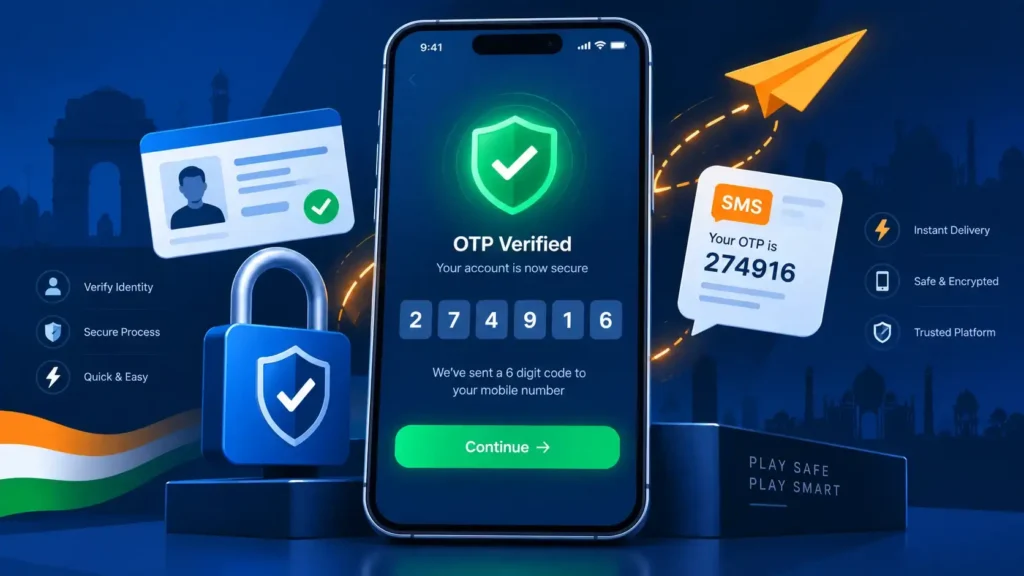
- Verify Your Account: Check your phone or email for a six-digit One Time Password (OTP) or activation link. Enter the OTP into the confirmation screen to fully activate your account.
Common Registration Errors and Fixes
If you encounter friction during sign-up, check these standard troubleshooting steps:
- OTP Not Received: Double-check that your phone number was entered correctly. Wait 60 seconds, check your email spam folder, and click “Resend Code” if necessary.
- Number or Email Already Registered: If the system flags your details as existing, you likely already have an account. Use the password reset tool on the login page or contact support. Creating duplicate accounts violates platform terms.
- Form Will Not Submit: Ensure your password meets the minimum security requirements (usually a mix of letters and numbers) and that the age confirmation box is checked.
After You Register
Once your account is live, complete these immediate next steps to ensure smooth gameplay and fast payouts.
- Log In: Test your new credentials by signing in. If you need help navigating the portal, read our complete Khelo24Bet Login Guide.
- Complete KYC: Navigate to your account settings and upload your identity documents immediately. Completing KYC early prevents delays when you request your first withdrawal.
- Review Registration Bonuses: New accounts may qualify for a first-deposit match bonus. Read the exact rollover rules, multipliers, and expiry conditions in our Khelo24Bet Bonus Guide before depositing cash.
Also Searched As
- khelo24bet sign up
- khelo24bet create account
FAQs About Khelo24Bet Registration?
Is Khelo24Bet registration free?
Yes. Creating an account is completely free. You only need to add funds when you decide to deposit and play.
Do I need to verify my mobile number?
Yes. Khelo24Bet sends a one-time verification code (OTP) to your phone or an activation link to your email. You must enter this code to activate the account.
What is the minimum age to register?
Users must be at least 18 years old to open a Khelo24Bet account.
Do I need documents at signup?
Identity documents are not required on the initial registration form. However, you must complete KYC verification using a government ID and proof of address before making withdrawals.
Can I register with social accounts?
Some versions of the platform allow quick registration via Google. If you use this method, ensure the linked email and phone number are active so you can receive verification alerts.
What should I do after registering?
Log in, submit your KYC documents for early verification, read the platform’s bonus rules, and review responsible gaming guidelines before making your first deposit.

Krishna Kapoor is a gaming industry expert with experience researching and writing about online gaming platforms, sports betting, casino games, responsible gaming, and digital gaming trends. Krishna focuses on creating clear, informative, and easy-to-understand content that helps readers better understand gaming platforms, features, promotions, safety practices, and responsible gaming. His work combines industry research with practical insights to provide useful and trustworthy information for online gaming audiences.